01769 560699




Who are Breeze & Freeze?
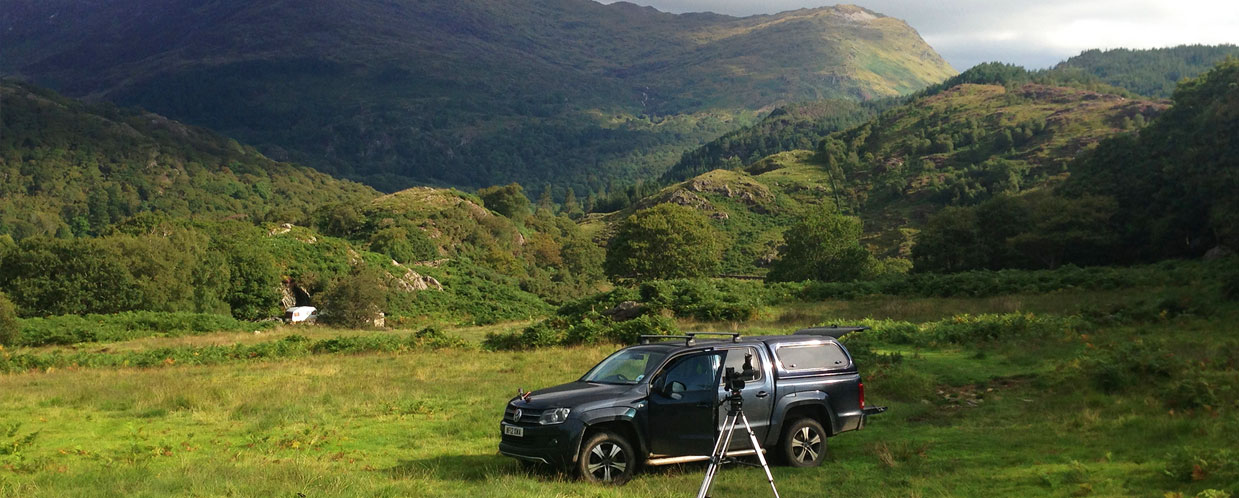
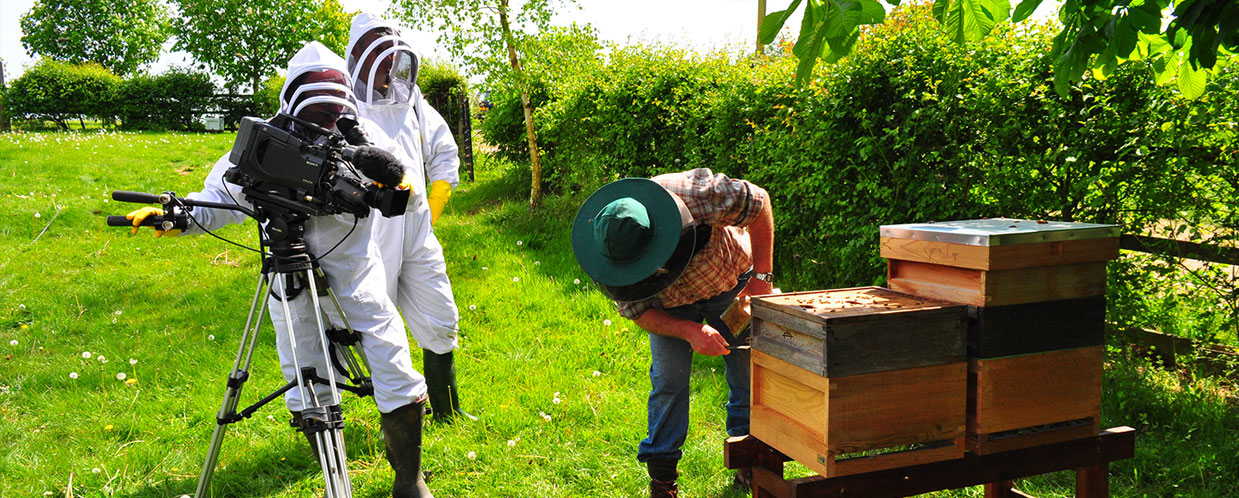
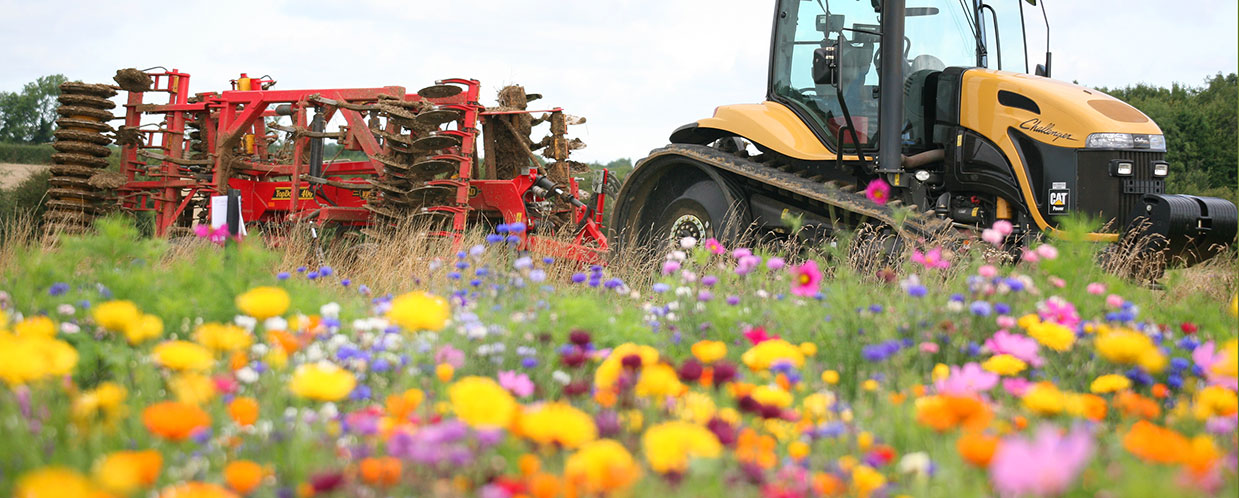
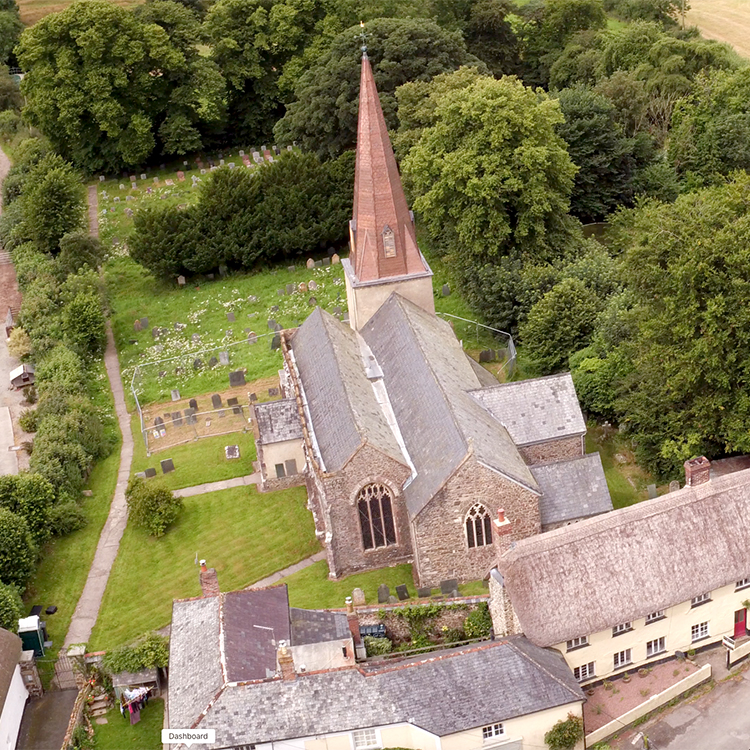
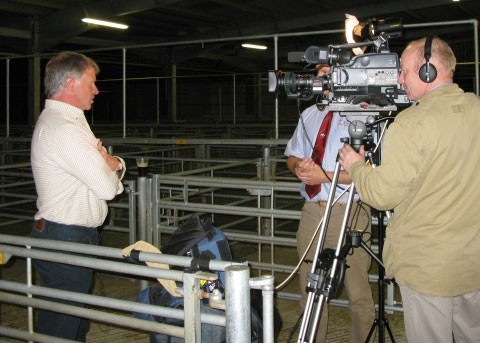
Breeze and Freeze Ltd is a UK based media production company specialising in the production of digital media for organisations operating in the great outdoors – in areas such as agriculture, the enviroment, food production and wildlife. With our in-depth knowledge of Video Production, Still Photography, Multi-Media Production, Website & App Development, we’re sure to have a solution to your communication needs – whatever the audience or the location.
Breeze and Freeze has been successfully producing visual media and knowledge transfer material for the agri-food and environmental sectors for the past 17 years.
Company director, Ian Damms has over 20 years experience in this sector, with his team of media professionals you can be sure of an excellent result.
What our customers are saying…
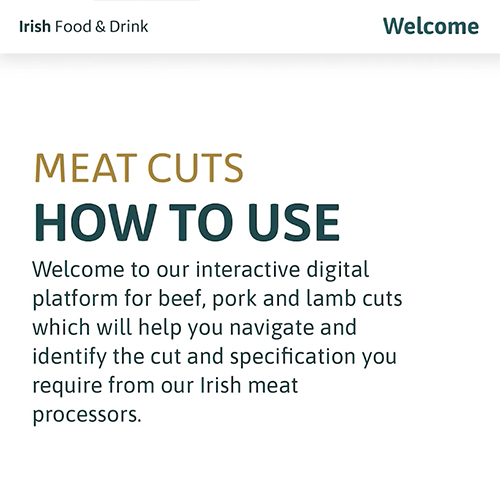
Bord Bia have worked closely with Breeze and Freeze in the creation of an interactive meat cuts application to allow greater engagement with our global customers for beef, lamb and pork. The team were highly professional and accommodating during what was quite a complex project and were a pleasure to work with.Bord Bia
You are such a professional team: you’ve understood 200% my (sometimes crazy) needs, and went beyond expectations for each job! Without mentioning your super flexibility, always in great spirits. I’ll miss our shooting in the fields for sure!MM
I wanted to let you know that Mark, the videographer, was really helpful yesterday. He used his experience with on-farm films to guide us and made useful suggests to develop how we told the story, as well as getting the best shots (with the least trauma to me or the farmer!) through his humour and professionalism.Marion,
Breeze and Freeze have worked with us to develop a practical, easy to use and interactive online grading tool. We have received overwhelmingly positive feedback following the launch of our new tool from farmers and industry. Ian and the team at Breeze and Freeze have followed our brief to produce a resource on time and to a high-quality standard, they also had an excellent understanding of the brief and were able to apply it to create something ideally suited to the target audience. Ian was quick to respond to requests and generate designs from our ideas. We look forward to working again with the team.Beth Alexander,
I have worked with Breeze and Freeze on two contrasting projects. The first for HGCA , involved Ian Damms filming speakers on soil management. I found Ian unobtrusive, yet incisive in his interview questions, showing a clear understanding of the subject matter and perception of how the subject matter should be presented. All the speakers were very pleased with the end results which gave a good representation of the day in the field. In a second project Breeze and Freeze have had the challenging remit of ‘finishing off’ videos attempted by a less experienced video journalist. They have risen to the challenge and again interpretation and fresh ideas on filming within a tight budget have left me very impressed with their capabilities. The team is a pleasure to work with.Anna Becvar,
This small but highly professional media company made our dreams a reality, through a combination of professionalism, vision, enthusiasm, highly skilled people a positive attitude but most of all commitment to make our ideas become a reality. The delivery of our long-awaited Virtual Cow to the industry has enjoyed an immediate positive impact. This committed and positive company managed the process for us and helped to keep all elements of the project on track, on time and most importantly on budget.Lucy Andrews,
Ian, you and your team are clearly very experienced at working with the industry and with government officials. I found you all friendly and very easy and helpful to work with on the DVD. You were also very flexible to our needs and where necessary rearranged your diaries in order to get the job done, on time and to the required standard.Fred Parsonage,
Working at a communications agency for many clients, the need to capture rich content at any opportunity is imperative. The requirement for a variety of content formats is a necessity and video performs well on engagement time and time again. This is why we found the Breeze & Freeze training session offering insights and practical video production tips invaluable. The team have an excellent reputation for delivering professional, creative, engaging content and the training served to impart as much of this wisdom as possible… an excellent, interactive course. Thank you Ian and Mark.Emma Craigie,
As an innovative knowledge exchange company in the agriculture sector, we strive to produce informative and high quality knowledge transfer resources. The industry is seeing an increase in digital media as a tool for communicating information, so our company asked ‘Breeze and Freeze’ to deliver a day training session to our staff, predominantly focussing on improving the quality of our in-house produced videos. Ian and Mark covered a wide variety of topics and tailored the training to areas most suited to our company’s media outputs. They catered for the variety of skill levels in our group, and all of our staff members finished the training day with confidence to implement the skills and tips they had gained throughout the course. The practical elements to the training were extremely useful; with Ian and Mark showing all the staff how to set-up and get the most out of our companies equipment. We can guarantee that the quality of our videos will be improved with the knowledge we gained yesterday.Thanks very much Ian and Mark – we highly recommend Breeze and Freeze training to anyone in the agriculture sector.Sarah Dusgate,